Real people. Real products.
In the picture.
Two photos put a person into a generated scene. One photo does the same for a product. You see three sketch directions, free, before you pay for one finished image.
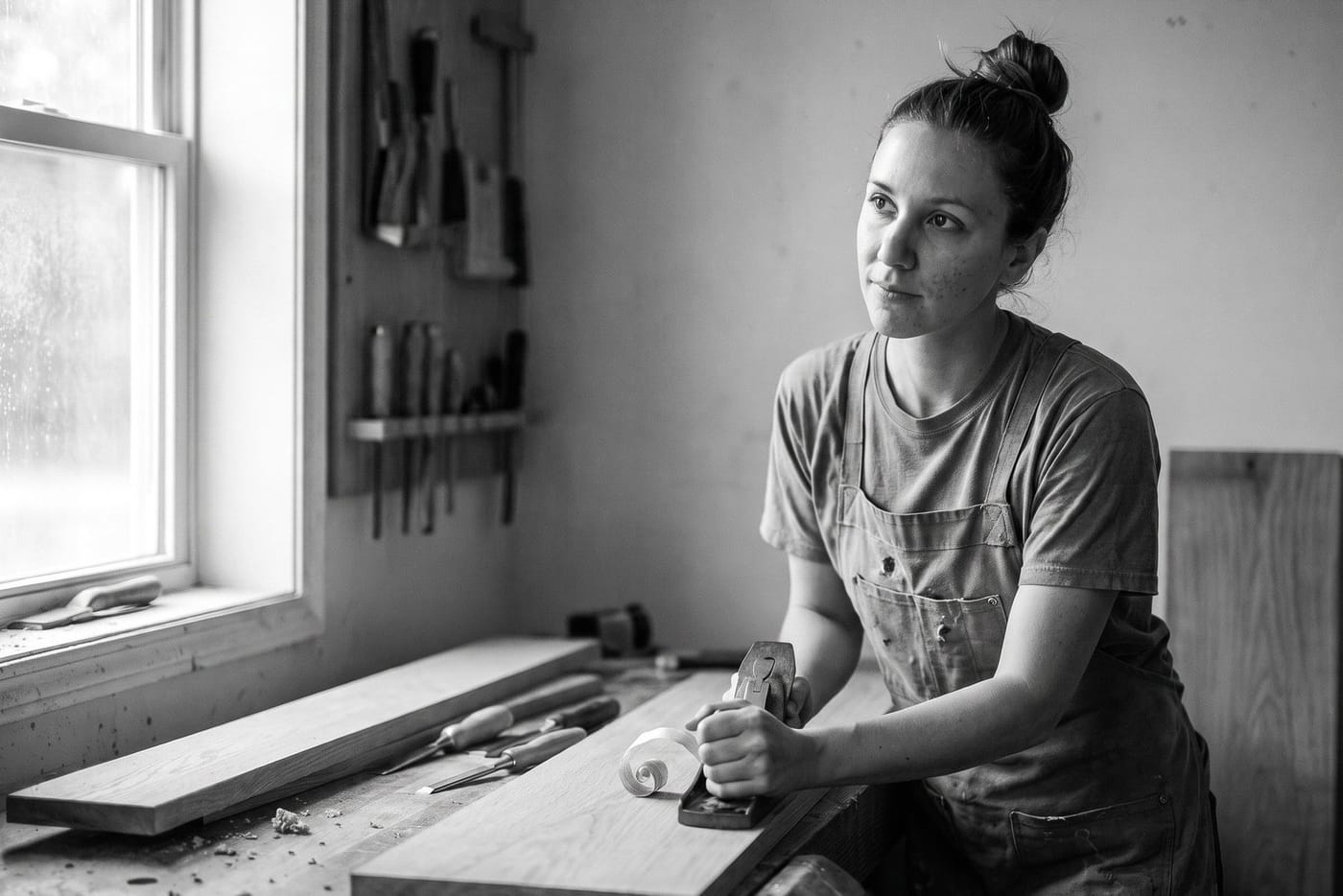
Two photos of Nell. Then her post.
Two photos of her, with her consent recorded. The artwork puts her in her own workshop; a template makes it a post.
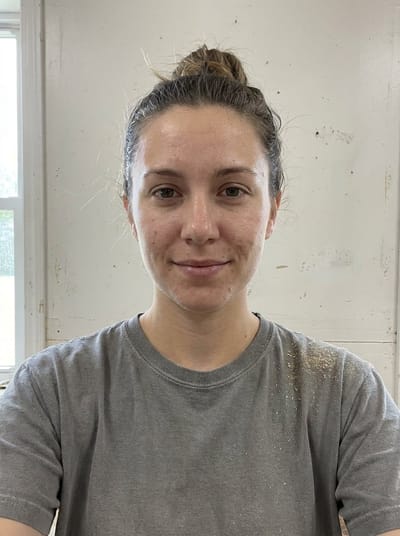
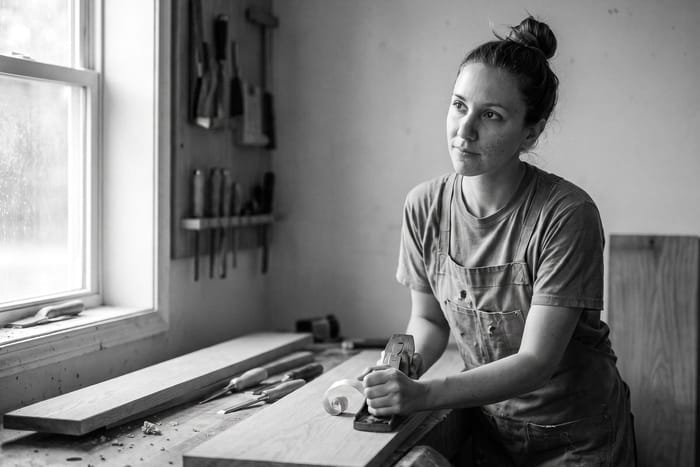
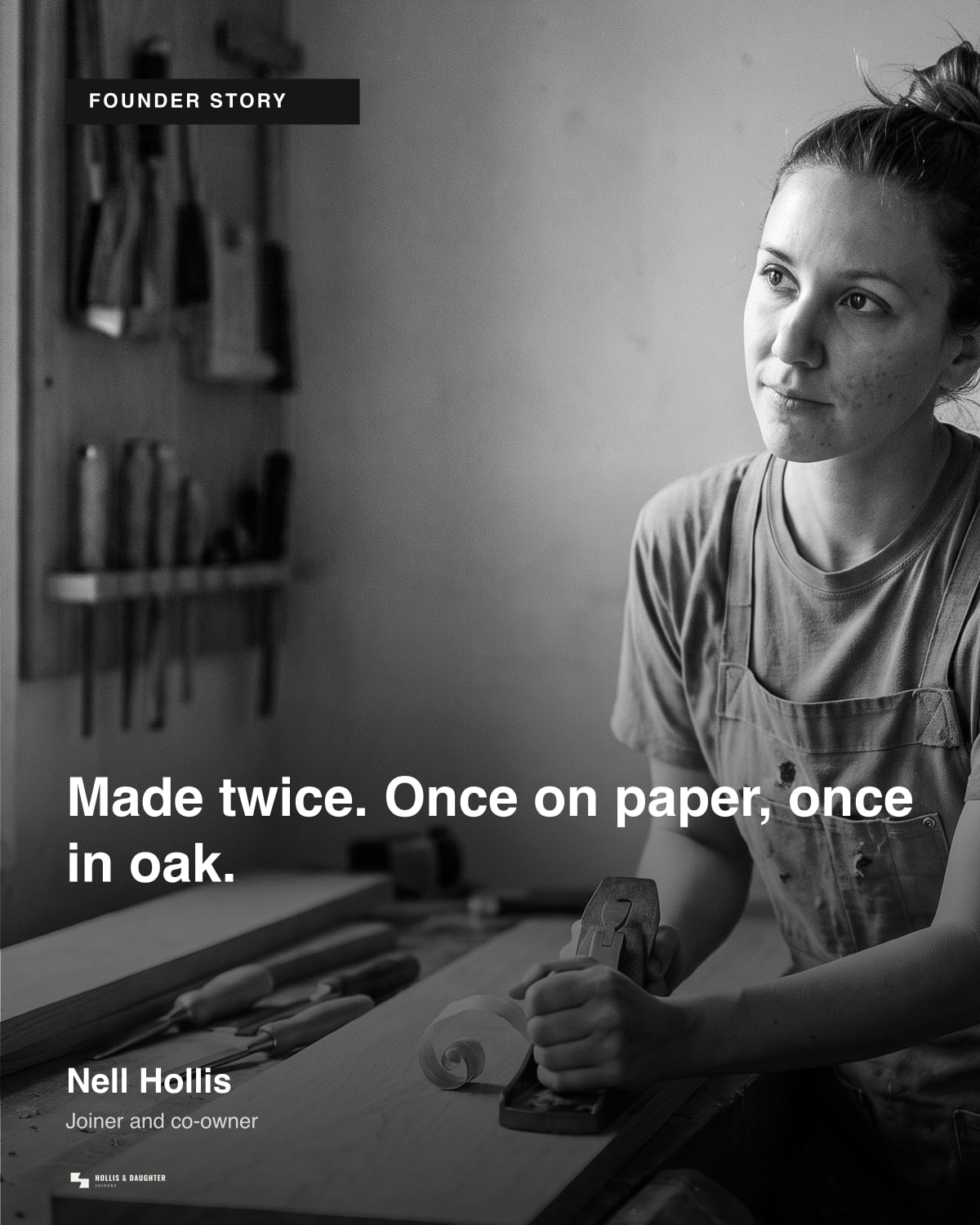
Example brand shown: Hollis & Daughter Joinery.
Three sketch directions first. Then one finished image.
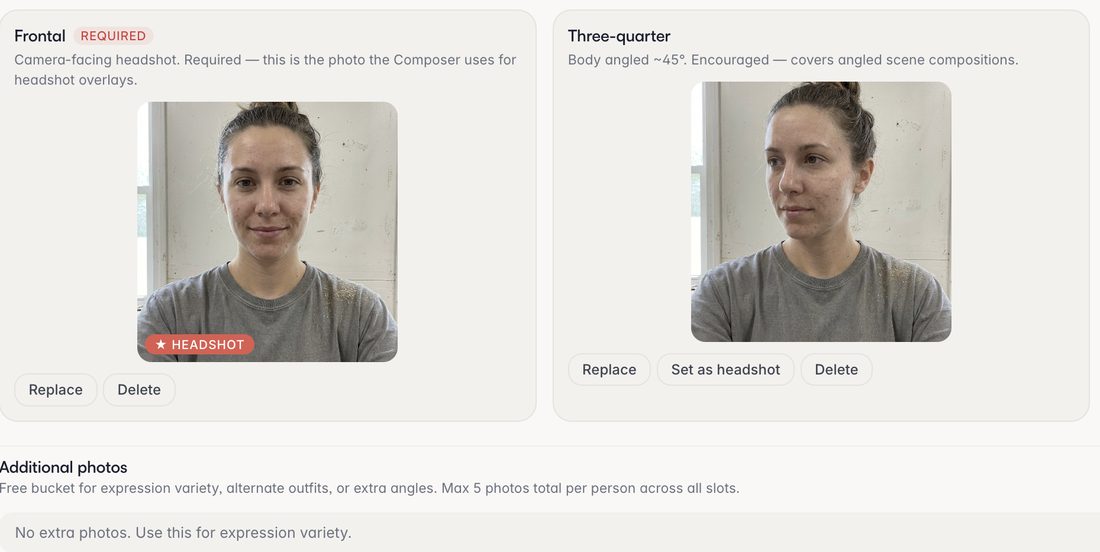
A person, from two photos
One facing the camera, one turned a little, and a tick that they agreed, recorded with who and when. Only those two photos reach the model. You say who a post is about on the design — the only place a person is chosen.
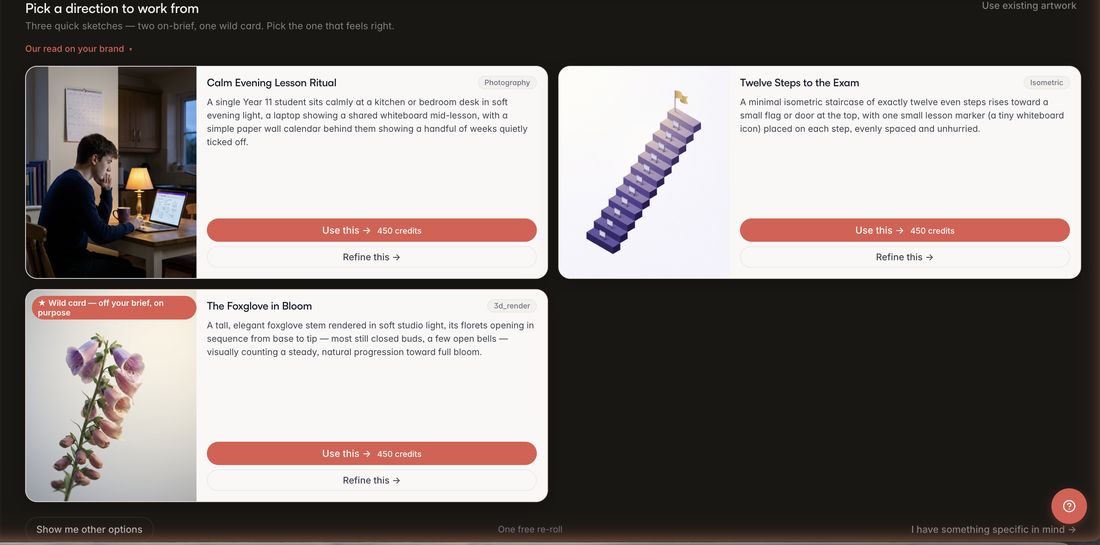
Three sketch directions before you pay
It reads the brand first: all but one on brief, the last off it on purpose and labelled so. One more set is free, steered by a line of yours.
Sketching is free; a finished image is 450 credits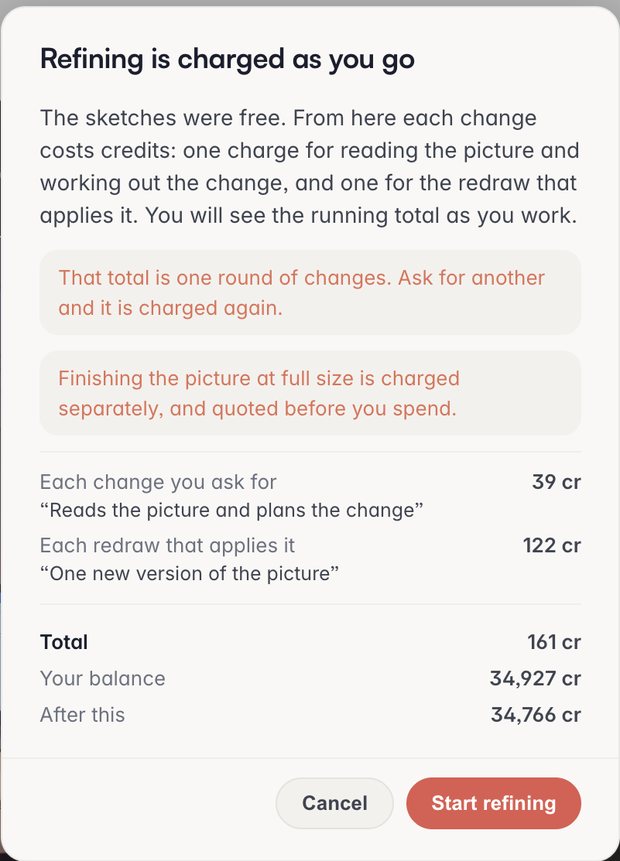
Refine the one you picked
Say what to change, in words or with chips from the brand’s own people and products. This is what you see first: both charges, the round, your balance and what is left.
A round of changes — about 161 credits, quoted first, then a running total
Drawn into the picture 
Lifted out, and typed Re-Text lifts the words out
Words drawn inside a picture come out soft, and sometimes wrong. Re-Text finds them in the Composer, wipes the ones you pick, and hands them back as type.
A repair — about 150 credits: detect, wipe, retype
One photo of the jar. Then the post.
One flat photo goes in; the glass, the lid and the word on top come out as the reference’s, in a scene the brand would have shot.
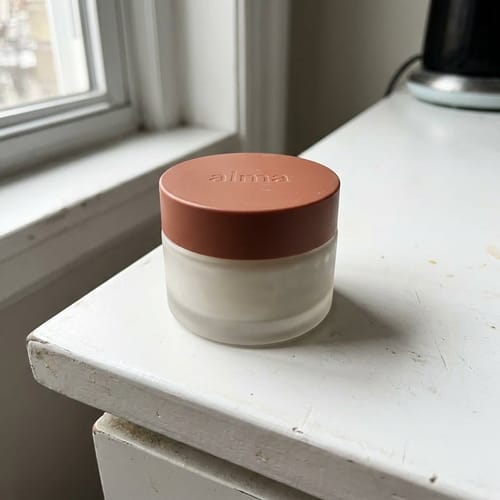

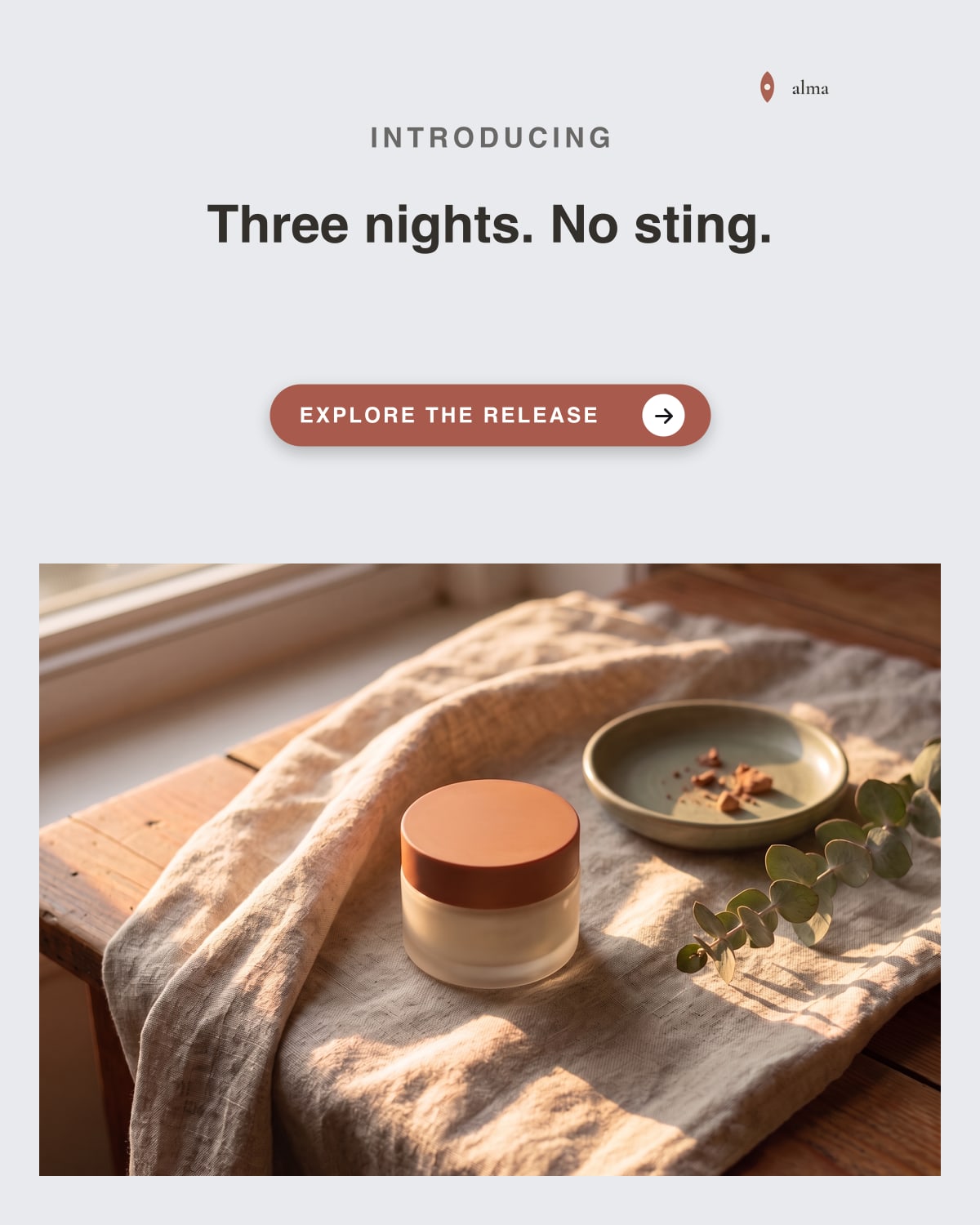
Example brand shown: Alma Skin.
What people ask.
What does a picture cost?
Sketching and one re-roll cost nothing, up to a ceiling the app shows you as you near it. A finished image is 450 credits, a round of refining about 161, a Re-Text repair about 150. Every figure is on the pricing page.
Do I need the person’s permission?
Yes. You cannot add a person without confirming it, and the record keeps who confirmed and when.
What happens when a client leaves?
There is no one-click client offboarding yet. Archiving a workspace hides it, it does not erase it. An admin can delete each person, removing their reference photos; pictures already generated are not.
Can I have more than one finished take?
Up to two, each charged; an AI critic ranks them against the brief. One final is the default, and one final is not scored.
Will words inside the picture come out right?
Not always — that is why Re-Text exists. If the words matter, put them on the template layer, where they render exactly.