One design.
Every client’s brand.
A design stores your brand’s roles, not its colours. The same layout re-renders in whichever workspace opens it — colours, type, logo and contact line.


Press a brand. Every design follows.
Add a design and it becomes a copy this workspace owns, yours to change. A later change to the gallery never alters a post you approved.
- Founder spotlight — Cutout poster
- Quote — Cutout & colour field

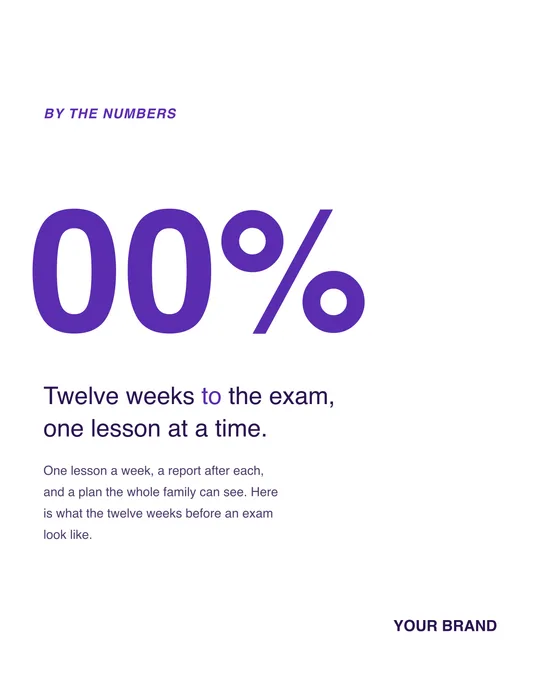
- Stat — Light minimal
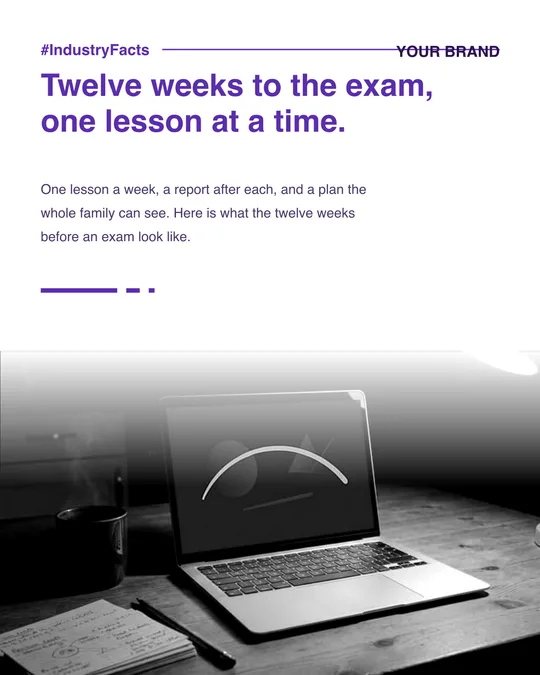
- Industry — B&W documentary
- Founder spotlight — Editorial (full-bleed)

- List — Bold dark

Example brands shown. 15 designs in the gallery today, 2 of them carousels.
A design studio, not a form.
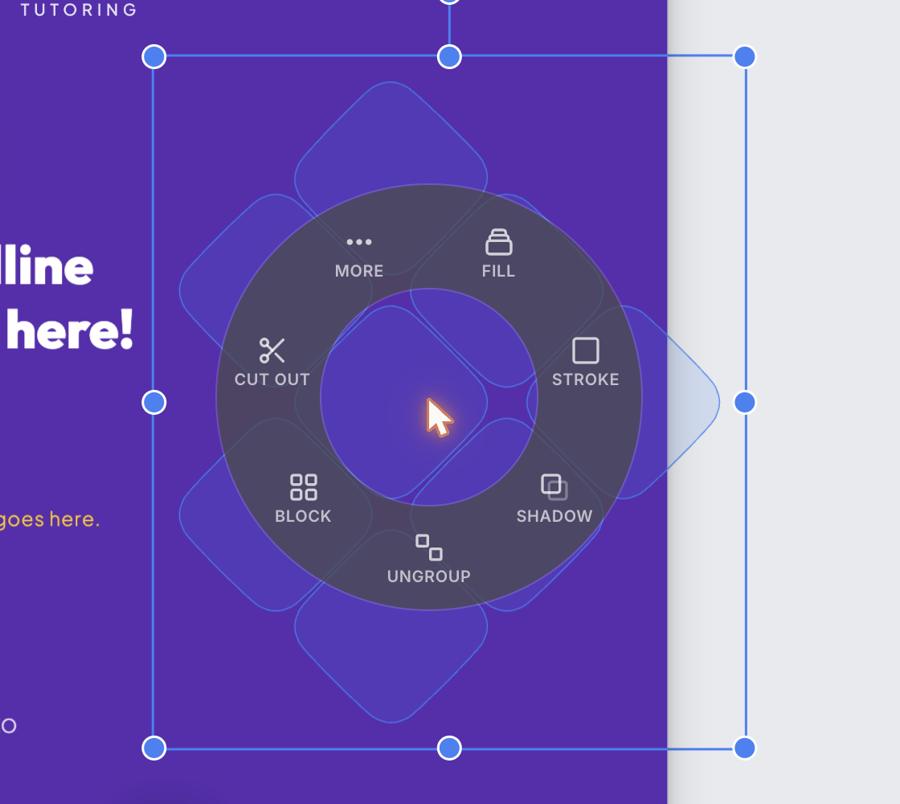
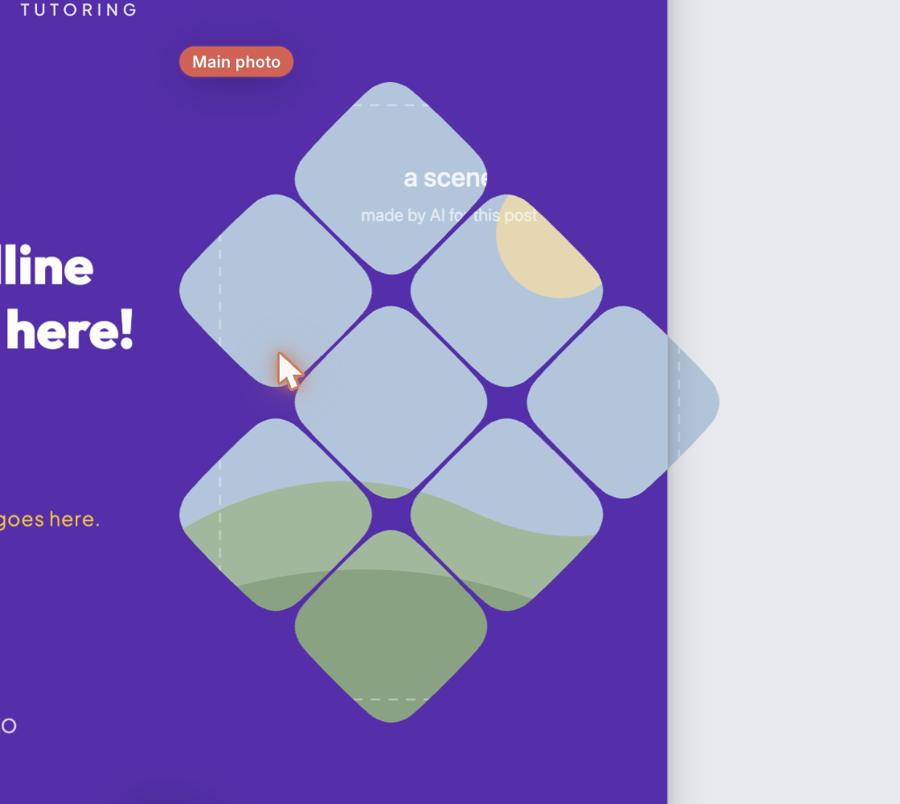
Template Studio is the same canvas the composer uses, on every plan. Right-click a shape — or a group of them — and cut it out: it becomes the photo window, and the picture drops in clipped to its outline.
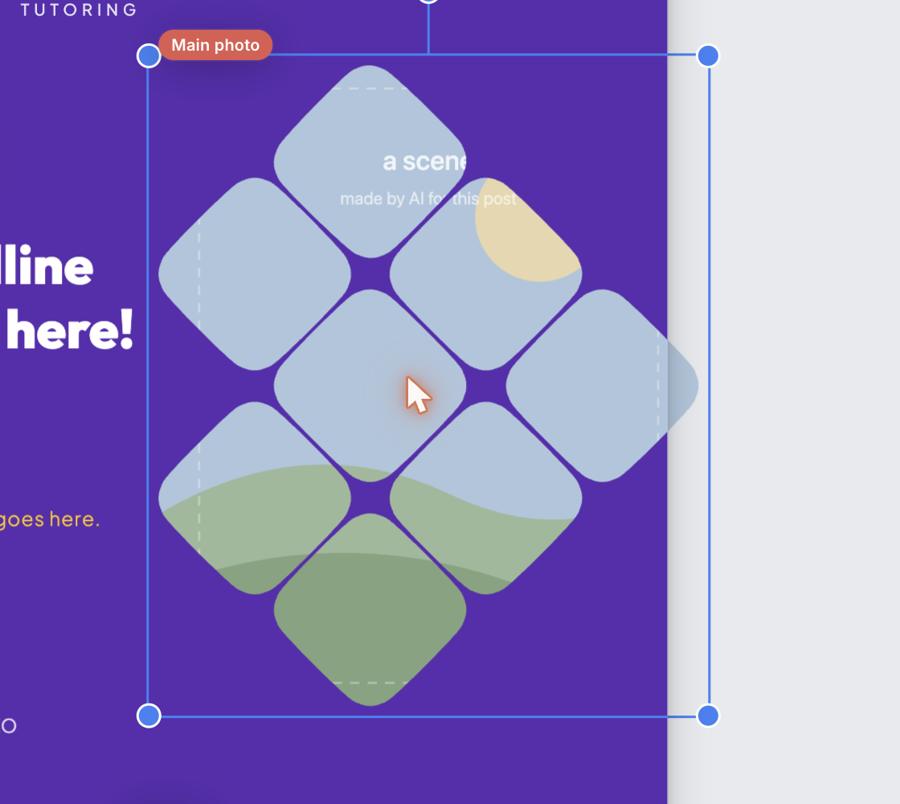
Example brand shown: Foxglove Tutoring.
A design in the studio. Then the post.
The design holds the slots: photo, heading, name, logo. Your artwork drops into the window and the brand fills the rest from its workspace. Nothing is retyped.
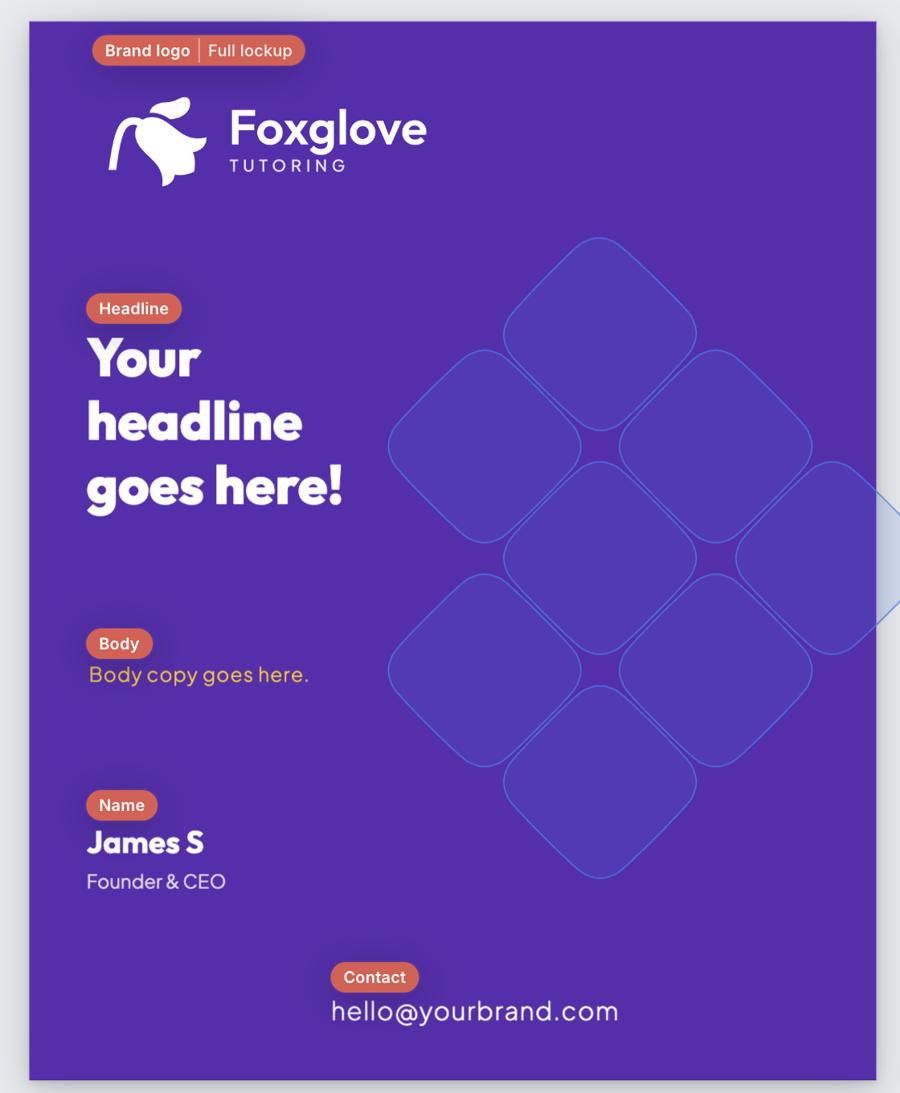
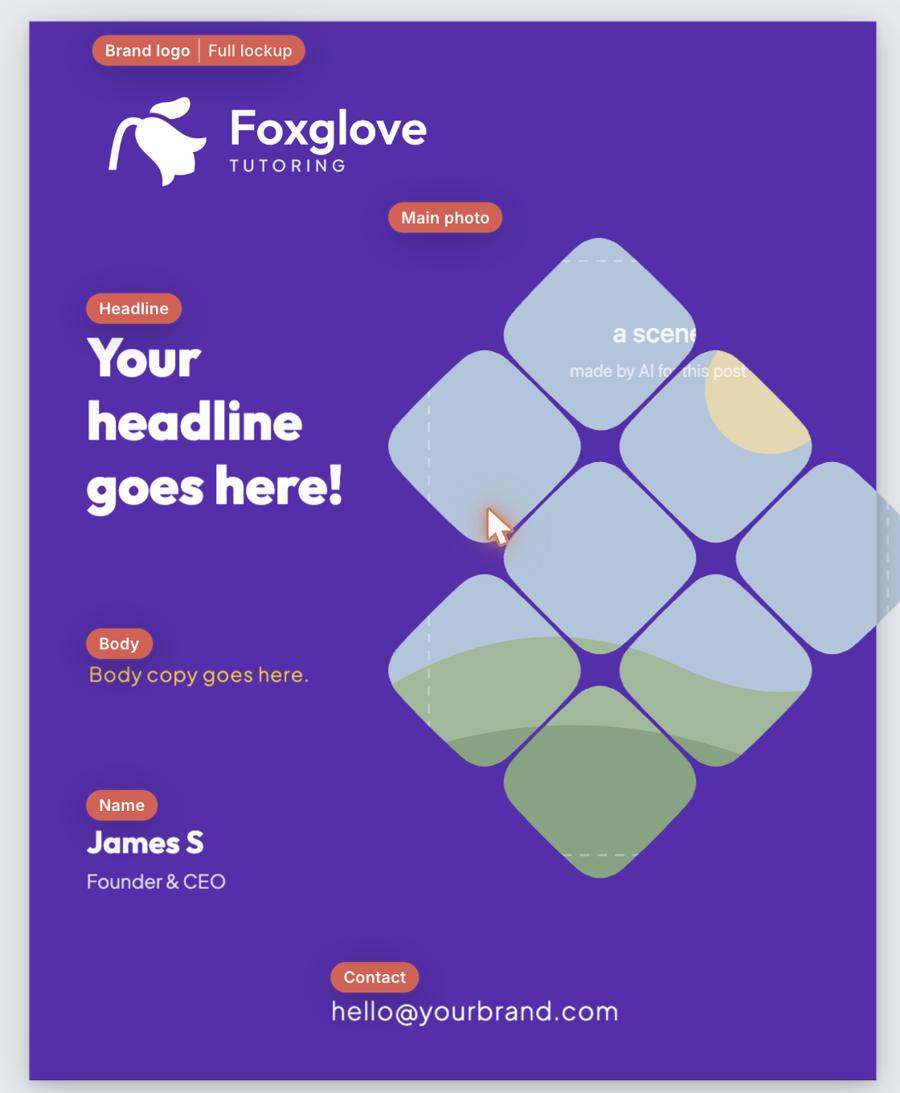

Example brand shown: Foxglove Tutoring.
What people ask.
Can I make my own designs?
Yes, on every plan. Layers, shapes, a pen, a chart, rulers and a grid, and slots for your photo, headline, logo and contact details.
Does one design work for all my clients?
Yes — a design stores brand tokens, not colours, which is what the switcher above is doing. The studio previews a design under other palettes before a client sees it.
Which sizes are there?
15 of the 15 are 4:5 portrait. Duplicate a design you own to another size from My Templates.
Can I bring my Canva designs in?
Not as editable templates. Upload finished artwork as an image and place it in a post, or trace it as a reference in the studio.
Does a template cost credits?
No. Adding, editing and composing with a design is free; only the picture that goes into it is charged.