luminarforge.
Pricing Compare Trust Log in Start free
The specimen sheet — brand illustrations, transparent

Brand illustrations — cut out, shadow and all.

Describe what you need; a brand-grounded brief concepts it, and it comes back a transparent PNG with a soft ground shadow rebuilt from scratch — so it sits on a cream deck, a dark hero, or a client’s brand colour with no white box and no hard sticker edge.

Start free — 2,000 credits Why the shadow matters ↓

Seven styles · every plan generates illustrations

Fig. 1 — the specimen sheet Generated by the tool · cut out by the pipeline · neutral palette on purpose
Transparent isometric rocket illustration in slate-blue and coral
Pl. 01Iso vector
Transparent isometric laptop-and-chart illustration in slate-blue and coral
Pl. 02Iso realistic
Transparent 3D-icon bar-chart-and-coins illustration in slate-blue and coral
Pl. 033D icon
Transparent sticker-style coffee-cup illustration in slate-blue and coral
Pl. 04Sticker
Transparent flat-spot shield-and-check illustration in slate-blue and coral
Pl. 05Flat spot
Transparent head-on parcel-box illustration in cream, slate-blue and coral
Pl. 06Head-on vector
Transparent head-on lightbulb-and-gears illustration in cream and slate-blue
Pl. 07Head-on realistic
Transparent isometric potted-plant illustration in slate-blue and coral
Pl. 08Iso vector

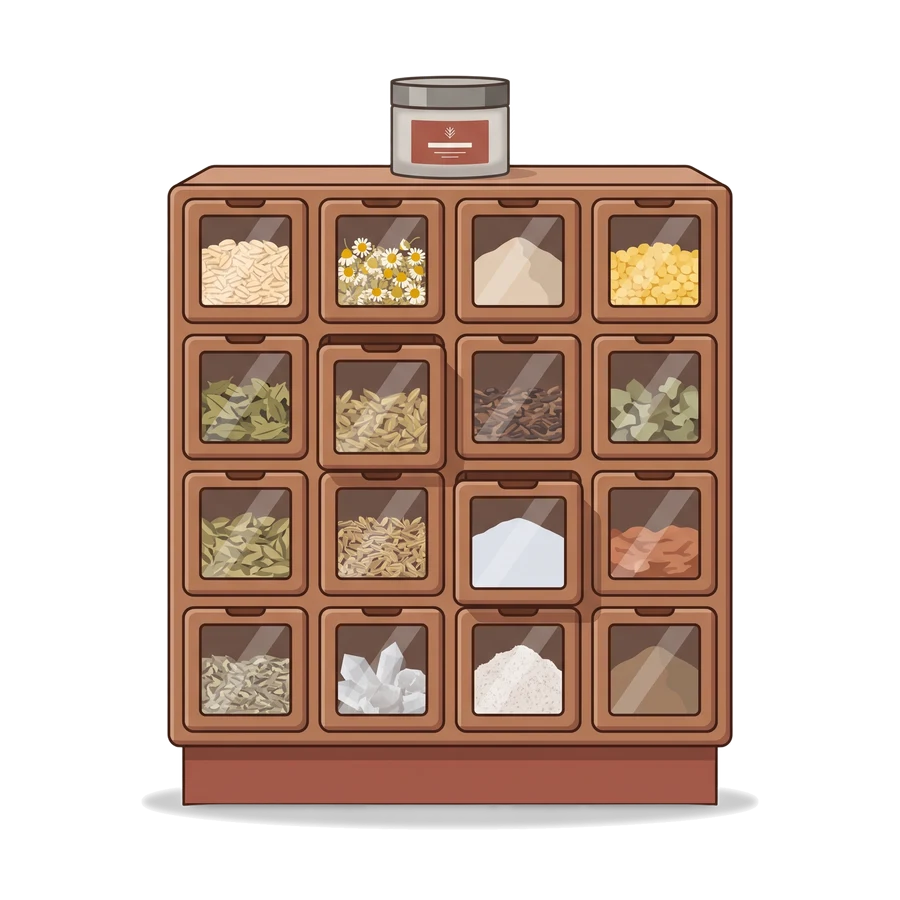
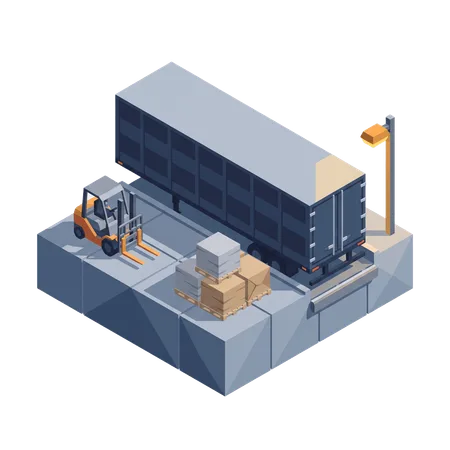
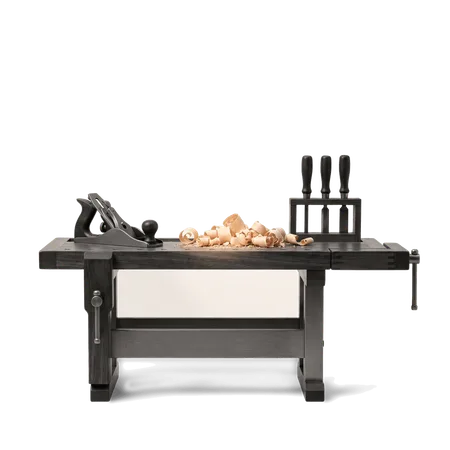
Every piece here is real output — generated by the Illustration Studio and cut out by the same pipeline you’d use. One neutral palette across eight subjects, so the sheet reads as a set. In a workspace, they carry the client’s brand colours.

Transparent PNG · reconstructed shadow · 2K render
The shadow is the hard part

Most tools throw the shadow away. We rebuild it.

Background removal flattens a picture and discards the soft ground shadow with it — which is why cut-out art so often looks pasted on. Our cutout does the opposite.

It estimates the light the scene was sitting in and reconstructs the shadow mathematically — pure shadow at the right strength, keyed to nothing but the surface underneath. Drop the illustration on cream, on espresso, on a client’s brand colour, and the shadow darkens each one exactly as it should.

Cut out in three passes: silhouette → interior repair → shadow, rebuilt.

One illustration — three surfaces
The rocket illustration on a cream surfaceCream
The same rocket illustration on a dark espresso surfaceEspresso
The same rocket illustration on a coral brand-colour surfaceBrand coral
Same file, unedited. The reconstructed shadow reads on every surface — no halo, no baked-in background.
Drawn from the client’s brand

On-brand before the first line.

The brief reads the client’s brand — its palette, its visual identity, its named products — and concepts from there. You decide how the colour lands: which brand role leads and which accents, or make the objects white with a single brand accent for clean web and app work.

Placing on dark surfaces? A light variant keeps the illustration legible without a redraw.

Colour roles — resolved per workspace
Primarythe lead, by default
Secondarystructures & depth
Accentthe single highlight
Neutralwhite objects, brand accent
Roles, never fixed colours — so one brief re-renders in any client’s palette.
Seven styles, one recipe

Pick a style. The set stays consistent.

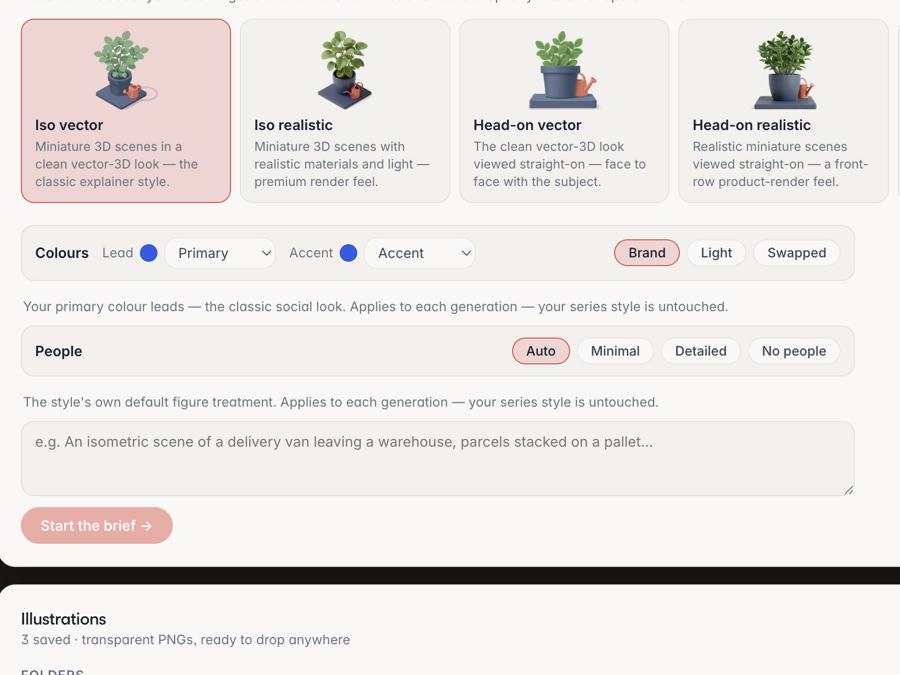
Choose from seven looks. A per-workspace style recipe — drawn once from the brand’s colours and identity — is re-applied to every illustration, so a batch reads as one system, not eight one-offs. (The sheet up top is eight subjects on one recipe.)

  • 01 Iso vector
  • 02 Iso realistic
  • 03 Head-on vector
  • 04 Head-on realistic
  • 05 Flat spot
  • 06 3D icon
  • 07 Sticker

Recipe cached per workspace · redrawn only when the brand changes

Not quite right? Fix it in place
01 — Tap to remove

One tap on a stray leftover

Click a bit of background the cutout kept and an object-aware selection takes it out — no lassoing, no masking by hand.

02 — Restore

Bring anything back

Cut too much? Brush over the spot and the original pixels return — the pre-cutout source is kept, so nothing is ever lost.

03 — Lighten the shadow

Dial a heavy shadow down

If a drop shadow lands darker than you want, a strength dial lifts it — the subject untouched, no regenerating.

All three are free — you’re fixing our cutout, so it’s on us. No credits, no re-rolling.

Said plainly — how we keep this honest
On text inside an illustration

Words drawn inside a generated image are best-effort — that’s the state of the art. Illustrations are staged to stay clean of type; when a picture does need words on it, Re-Text edits them afterwards.

On style

The look comes from a named style and a brand-derived recipe — not from the tool quietly learning your taste. You pick the style; the recipe follows the brand, and you can reset it whenever the brand moves.

The press is warm

Cut one out.

Start free with 2,000 credits — open the Illustration Studio, describe a subject, and get it back transparent with the shadow already rebuilt. On every plan.

Start with 2,000 free credits See the rate card

No card · No trial countdown · Illustrations on every plan

luminarforge.
Transparent PNGs · the shadow, rebuilt
Features
AI Pipeline Voice DNA Campaigns Templates AI Imagery Illustration Studio Publishing SEO Hub AI Suggestions
This page
The shadow The image desk The rate card Compare
Catalogue
The print room Pricing Trust & security Start free Log in
Company & legal
Contact Terms Privacy Cookies

Every illustration on this page was generated by the Illustration Studio and cut out by the same pipeline you’d use — neutral palette on purpose; in a workspace they carry the client’s brand colours. Text inside a generated image is best-effort; Re-Text repairs it. © 2026 Luminar Works.